

 myCSUSM







Export Calendar from Cougar Courses to Digital Calendar
Students can export Cougar Courses calendar entries to Google or other calendar programs.
Steps to get calendar link
- On your My Courses page click on the Calendar link under your name at the top.

- Scroll to the bottom of the list of Upcoming Events and select the "Export calendar"
button.
- In the "Events to export" section, select "all events"
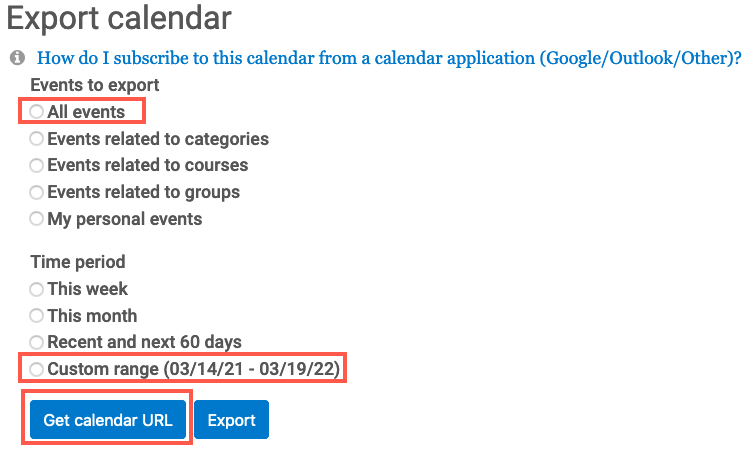
- In the "Time period" section, select "custom range"
- Click the "Get calendar URL" button to generate the URL that will be added to the digital calendar.
- Go to your calendar application and add the URL to the calendar.
Add to Google calendar
- Login to https://calendar.google.com
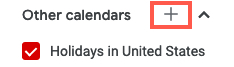
- On the left locate "other calendars" below the calendar displayed
- Click on the + to the right of Other calendars
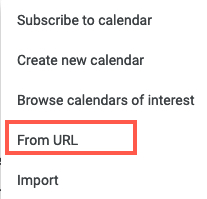
- Select "from URL" in the pop-up menu
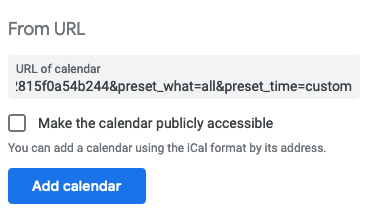
- Paste the URL in the URL of calendar box then click the Add Calendar button
- View the due dates on the calendar.