

 myCSUSM






How To Shop For Course Materials
How to Shop for your Course Materials In-Store
-
Make a list of your course materials in a handy format (on your mobile device, on a notecard, etc.)
-
Bring your list to a CSUSM Shop team member for assistance
-
Shop by Author (last name A-Z)
-
Check out with one of our friendly team members
The CSUSM Bookstore is located at
333 S Twin Oaks Valley Rd,
San Marcos, CA 92096
How to Shop Online
-
Visit csusmshop.com
-
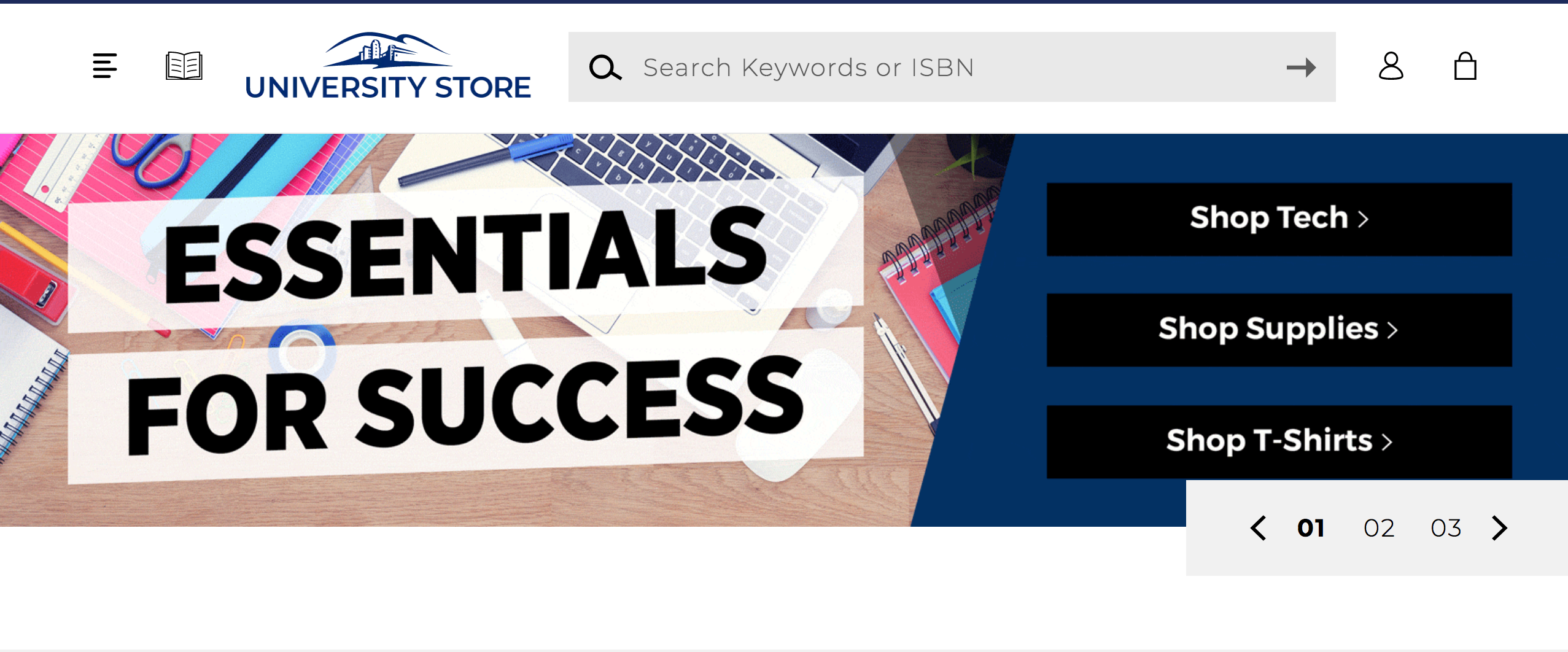
Click on "Textbooks" (the “book” icon), next to the University Store name
-
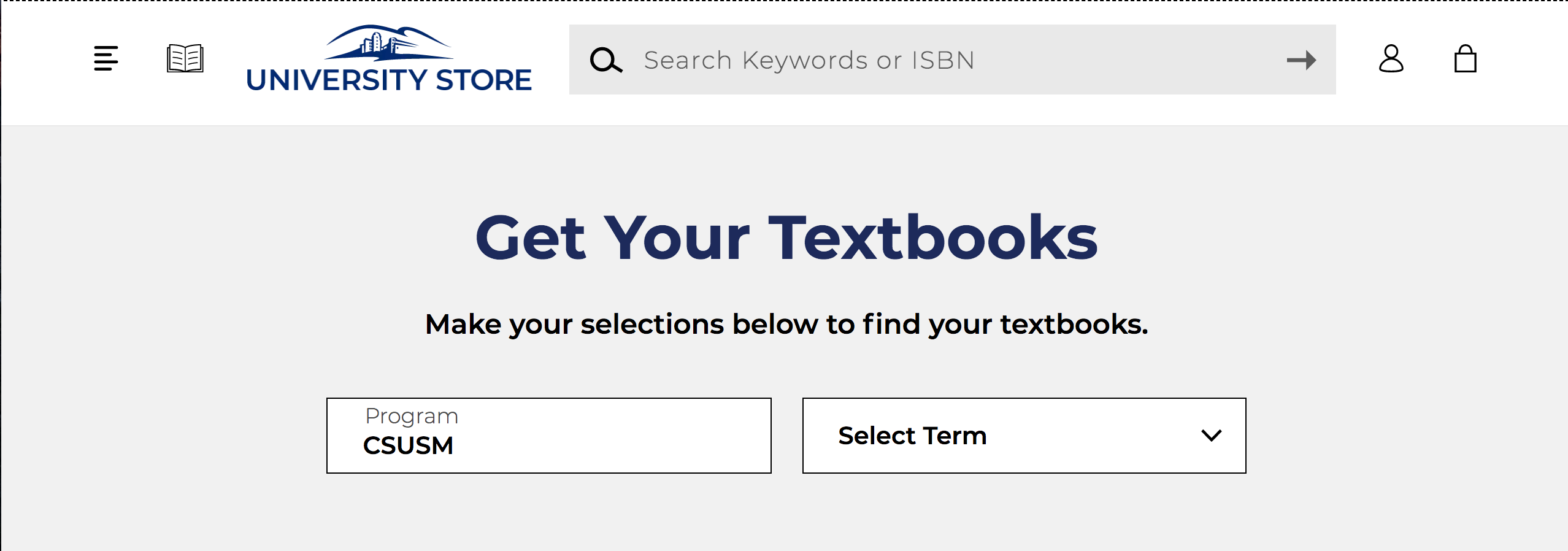
Select the term in the drop down (ex. Fall 2021)
-
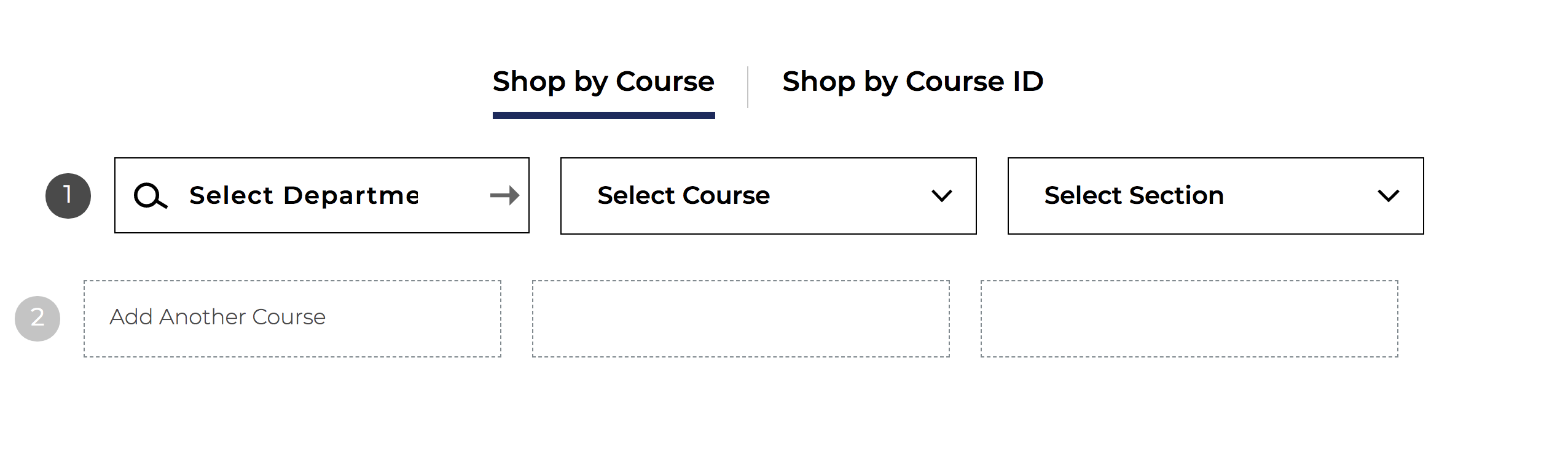
Scroll down and enter: Department, Course, and Section information for all your courses:
-
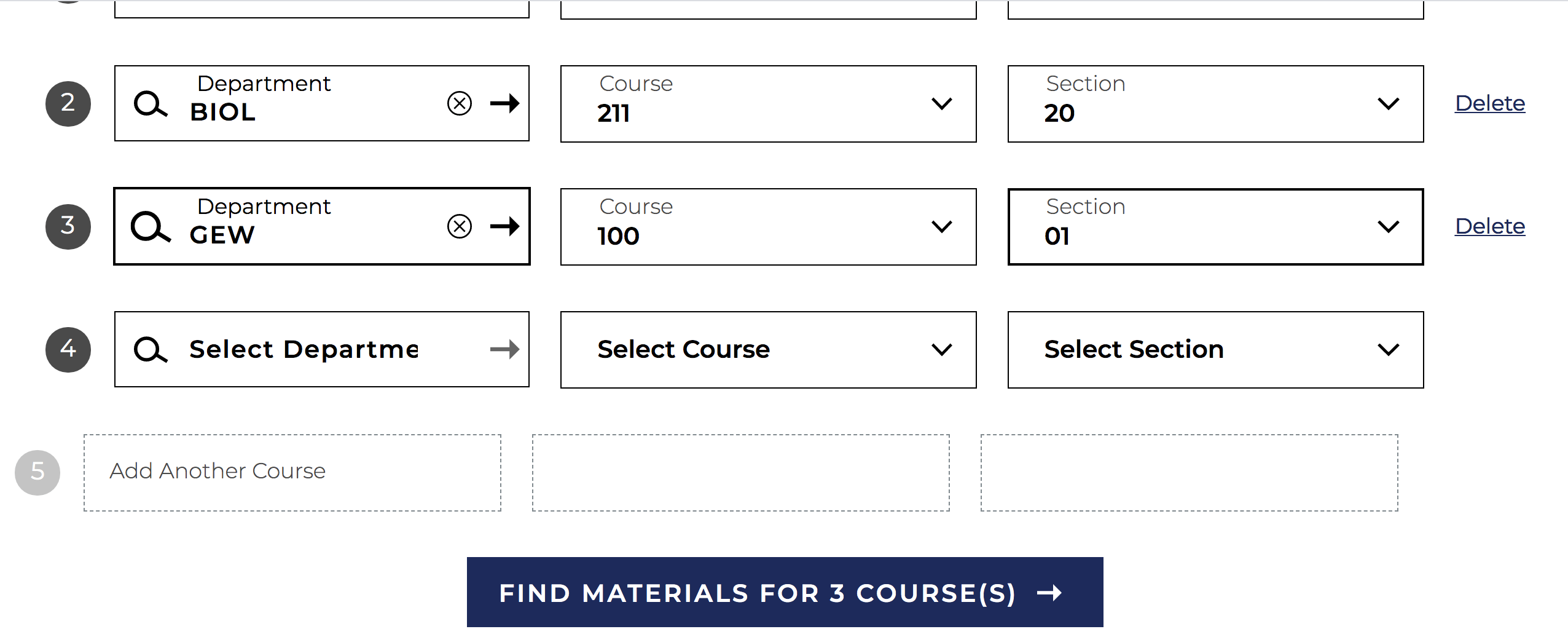
Click on “Find Materials for (#) Course(s)”
-
Add all your course materials selections/options and continue to our checkout process
-
Enter billing information and select delivery method. We offer free in-store pick up or ship to an address for $7.50 (standard delivery shipping charge)
- Track your order using your order # and email address, no store account required.
-
Receive your course materials and Cougar/CSUSM gear and enjoy your purchases!
Contact Information:
If you encounter any issues with shipping or with your order in general, please contact
the CSUSM Shop customer service.
- Email: csusm@bkstr.com
- Phone: 760-750-4730